
DIY Passport Photos
Passport photos have strict requirements: white background, specific dimensions(2x2 inches), and neutral expression.
Detailed Steps
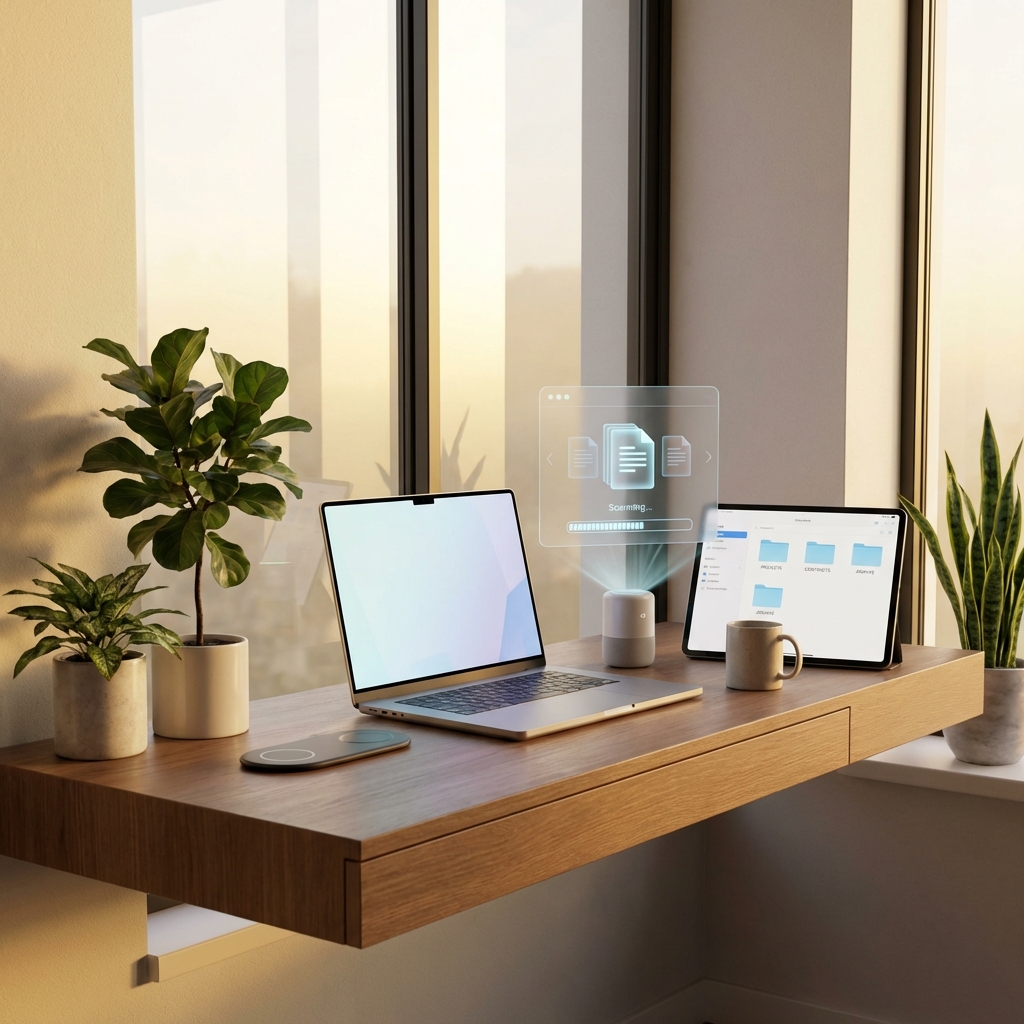
1. ** Take the Photo **: Stand against a plain wall.Use natural lighting(face a window).
2. ** Remove Background **: Use our[Background Remover](/image-tools/bg - remover) to get a pure white backdrop. 3. ** Crop **: Use thePassport Photo Maker to crop it to the exact legal dimensions for your country.
Save money and retake the photo as many times as you want until you look good!
Found this helpful?
Share this article with your network.