The Docorio Blog
Expert tips, tutorials, and insights on mastering your digital documents.

The Global Compliance Playbook 2026: Mastering GDPR, HIPAA, and eIDAS
Data sovereignty is the new gold standard. A 3,000-word executive guide to avoiding fines, encrypting workflows, and mastering the laws of digital assets.

The Paperless Home Office: A 2026 Blueprint
Stop buying ink. Here is the ultimate hardware and software setup for a completely digital workflow.
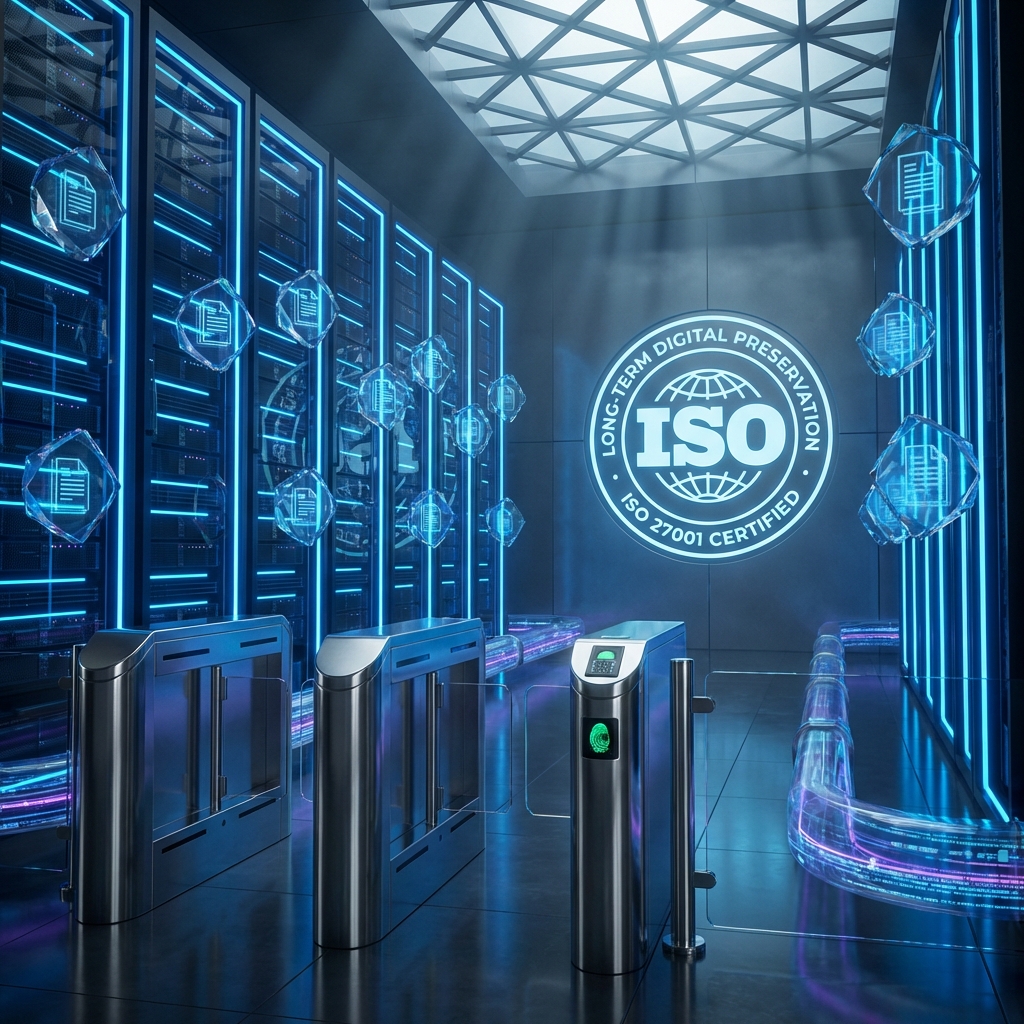
Understanding PDF/A: The Archive Formatting Standard
Why standard PDFs might die in 10 years, and how PDF/A ensures your documents last forever.

The Definitive Guide to Modern Document Processing in 2026
A comprehensive masterclass on managing digital workflows. Learn how to secure, optimize, and automate your document handling for maximum efficiency.

The Cyber Security Guide for Remote Teams in 2026
[Protect](/protect) your distributed workforce with encryption, secure document handling, and zero-trust policies.

10 Ways to Automate Your Document Workflow with AI
Stop doing busywork. Here is how to use AI to sort, scan, and summarize your digital paperwork.

The End of Manual Data Entry: How OCR is Changing Business
Optical Character Recognition is the bridge between paper and data. Learn how it works and how to use it.
 Files for Free (Step-by-Step Guide)](/blog_merge_hero.png)
How to [Merge PDF](/merge) Files for Free (Step-by-Step Guide)
Learn how to combine multiple PDF documents into a single file in seconds without installing any software.

The Ultimate Guide to Editing PDFs Online
Discover the powerful features hidden in your browser. Edit text, sign documents, and annotate without Adobe.

Is Online PDF Conversion Safe? What You Need to Know
Data privacy is critical. Here is how Docorio protects your sensitive documents while you work.

How to Reduce PDF File Size for Email (Without Losing Quality)
Stop getting 'File Too Large' errors. Learn how to compress your PDFs for easy sharing.

Electronic Signatures vs Digital Signatures: What's the Difference?
Confused by the terminology? We explain the legal and technical differences between eSign types.

How to Convert PDF Pages to High-Quality Images (JPG/PNG)
Need to share a single page on Instagram or LinkedIn? Convert your PDF to an image instantly.

How to Extract Text from Scanned Images (Free OCR)
Turn that photo of a textbook page into editable text using Optical Character Recognition.
 Sensitive PDF Documents](https://images.unsplash.com/photo-1614064641938-3bbee52942c7?auto=format&fit=crop&q=80&w=2070)
How to Password [Protect](/protect) Sensitive PDF Documents
Ensure only authorized people can open your confidential files with AES-256 encryption.

How to Split a Large PDF into Multiple Files
Extract just the pages you need from a massive report or ebook.

Remove Background from Images for Free (AI Powered)
Create professional product photos or transparent logos in one click.

Top 5 Free PDF Tools every Remote Worker Needs
Working from home? These tools will replace your office printer and scanner.

Are eSignatures Legally Binding? A Global Overview
From the E-SIGN Act to eIDAS, understand the legality of your digital agreements.

PDF vs Word: When to Use Which File Format
Stop sending resumes in .docx format! Here is why PDF is the professional standard.
 to PDF for Copyright [Protect](/protect)ion](https://images.unsplash.com/photo-1542382257-80dedb725088?auto=format&fit=crop&q=80&w=2000)
How to Add a [Watermark](/watermark) to PDF for Copyright [Protect](/protect)ion
[Protect](/protect) your intellectual property by stamping 'Confidential' or your logo on documents.

The 5 Best Fonts for PDF Resumes in 2026
Typography matters. Ensure ATS readability and human appeal with these typefaces.

How to Merge Multiple Images into One PDF
Combine your vacation photos or scanned receipts into a single shareable document.
What is OCR and How Does It Work?
A deep dive into the technology that turns pixels into text, and how you can use it for free.

What Does 'Flattening' a PDF Mean? (And How to Do It)
Lock your form fields and annotations so they can no longer be edited.

7 Massive Benefits of Going Paperless in 2026
Save trees, save money, and save your sanity by switching to digital documents.
 PDF Pages (Fix Upside Down Scans)](https://images.unsplash.com/photo-1622615632120-754659f81a8b?auto=format&fit=crop&q=80&w=2070)
How to [Rotate](/rotate) PDF Pages (Fix Upside Down Scans)
Did you scan your document the wrong way? Fix it in seconds.

How to Repair Corrupted PDF Files
File won't open? Don't panic. Here are 3 ways to recover your data.

Create Valid Passport Photos at Home (Free Tool)
Skip the trip to the pharmacy. Take your own ID photo and format it perfectly.

How to Rearrange and Delete Pages in a PDF
Clean up your document by removing blank pages and putting chapters in order.

PDF Security Permissions: User Password vs Owner Password
Understand the two levels of PDF security and when to use each.

How to specific Excel Sheets to PDF without Cutting Columns
Stop printing on 10 pages when it should be on 1. Format your spreadsheets for PDF.

The History of the PDF: How Adobe Changed the World
From 'The Camelot Project' to global standard. The story of the Portable Document Format.

How to Extract Original Images from a PDF File
Don't take screenshots. Extract the high-resolution source files directly from the document.
 PDF Pages (A4 to Letter, Legal, etc)](/blog_resize_hero.png)
How to [Resize](/resize) PDF Pages (A4 to Letter, Legal, etc)
Change the paper size of your document for printing in different regions.
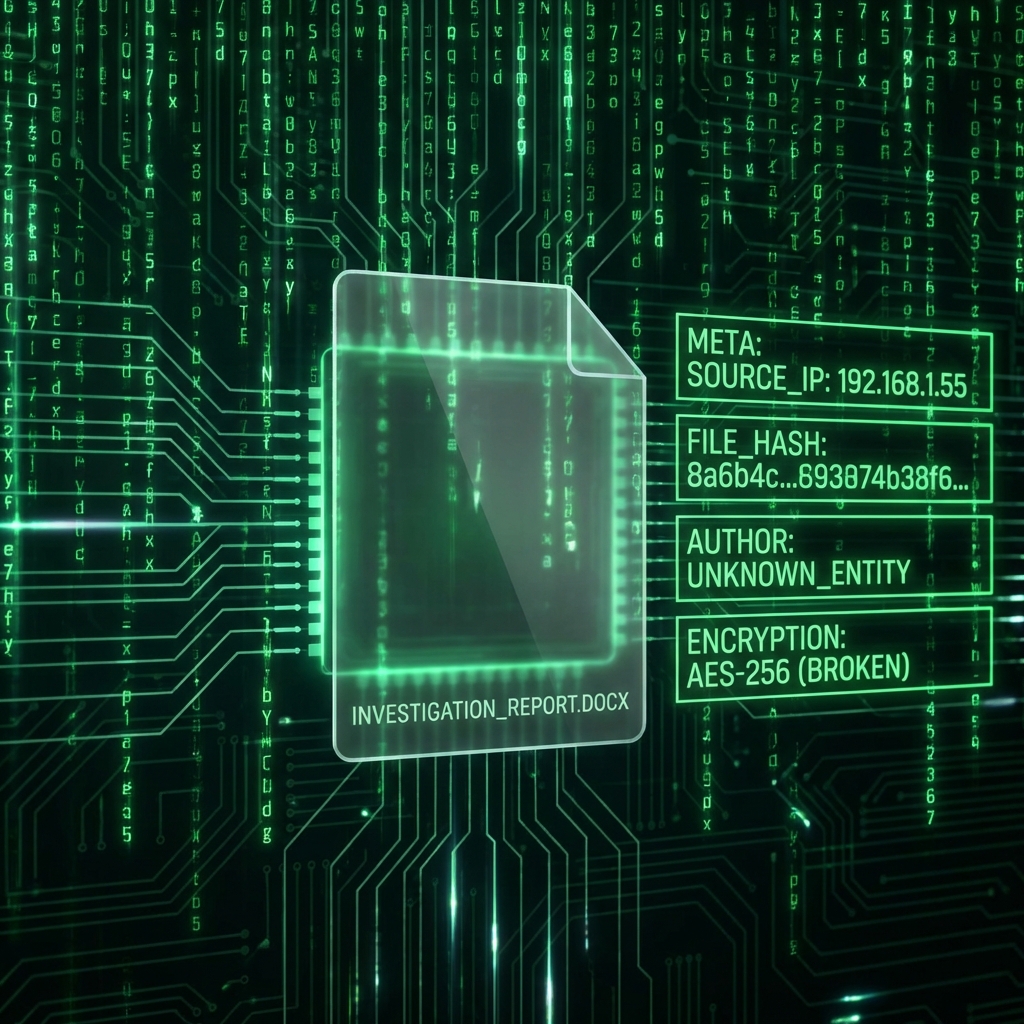
Hidden Data: How to View and Remove PDF Metadata
Your PDF knows who created it and when. Learn how to scrub this private info.
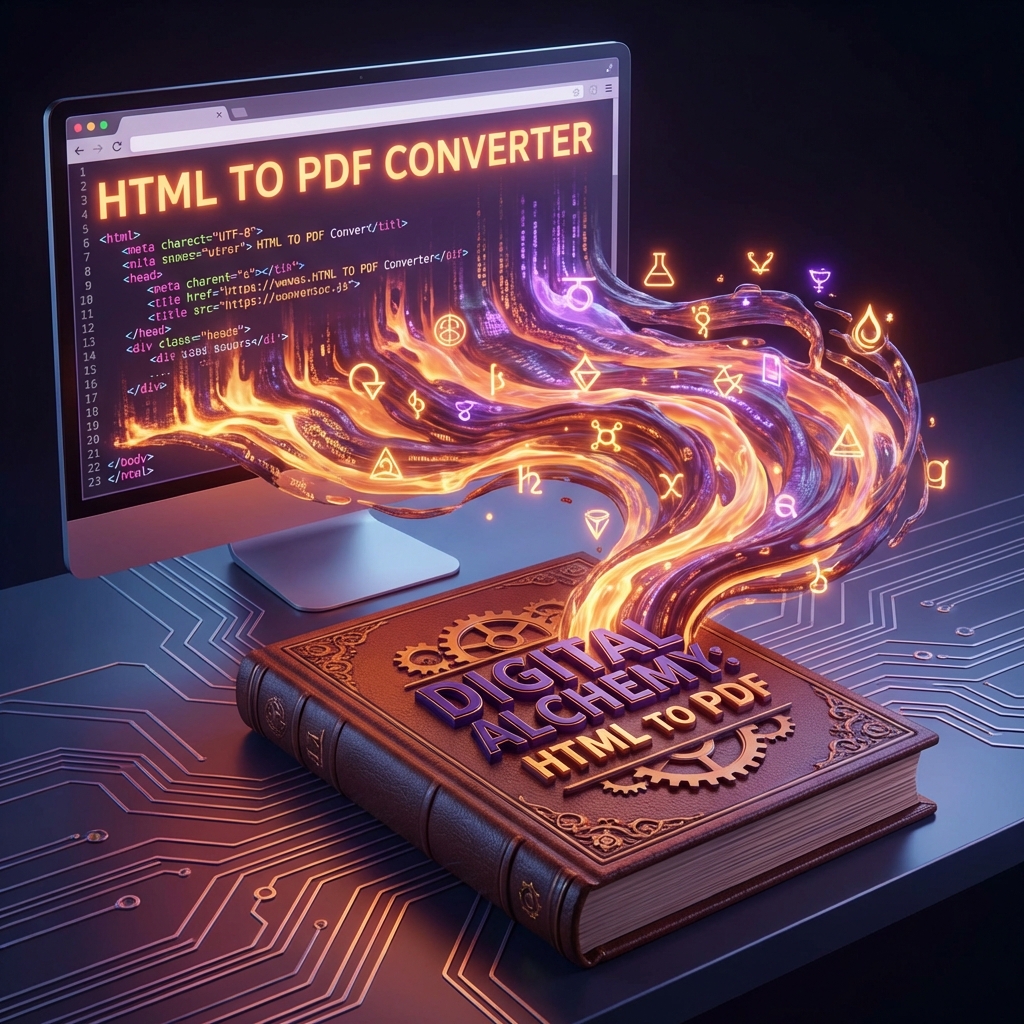
How to Save a Webpage as PDF (Better than Print)
Archive articles, receipts, and guides from the web for offline reading.
How to Chat with your PDF using AI
Stop reading 100-page reports. Ask AI to summarize them for you.

A Beginner's Guide to PDF Accessibility (WCAG)
Make your documents readable for the visually impaired using screen readers.
How to Sign a PDF on iPhone (No App Needed)
You don't need to download an app store app. Use Safari and Docorio.

The AI Document Revolution: A Definitive Guide to Intelligent Information Management
From RAG pipelines to autonomous agents. A 5,000-word deep dive into how Artificial Intelligence is rewriting the rules of the paperless office.
The AI Document Revolution: A Definitive Guide to Intelligent Information Management (2026)
From RAG pipelines to autonomous agents. A definitive deep dive into how Artificial Intelligence is rewriting the rules of the paperless office.