
The Definitive Guide to Modern Document Processing in 2026
In the rapidly evolving digital landscape of 2026, the concept of the "paperless office" has transitioned from a distant dream to an absolute necessity. Whether you are a solo freelancer managing contracts, a student compiling thesis research, or an enterprise handling thousands of invoices daily, the ability to manipulate, secure, and optimize digital documents is a superpower.
This guide is not just about "how to open a PDF." It is a deep dive into the architecture of modern document workflows. We will explore the technical underpinnings of file formats, the critical importance of encryption standards, and the actionable workflows you can implement today using tools like Docorio to save hours of grunt work every week.
Chapter 1: The PDF Standard - Why It Still Rules
Use of the Portable Document Format (PDF) has only grown since its inception in the early 90s. But why? In an age of dynamic HTML5 websites and fluid Notion docs, why do we still cling to a static format?
The answer lies in Reliability.
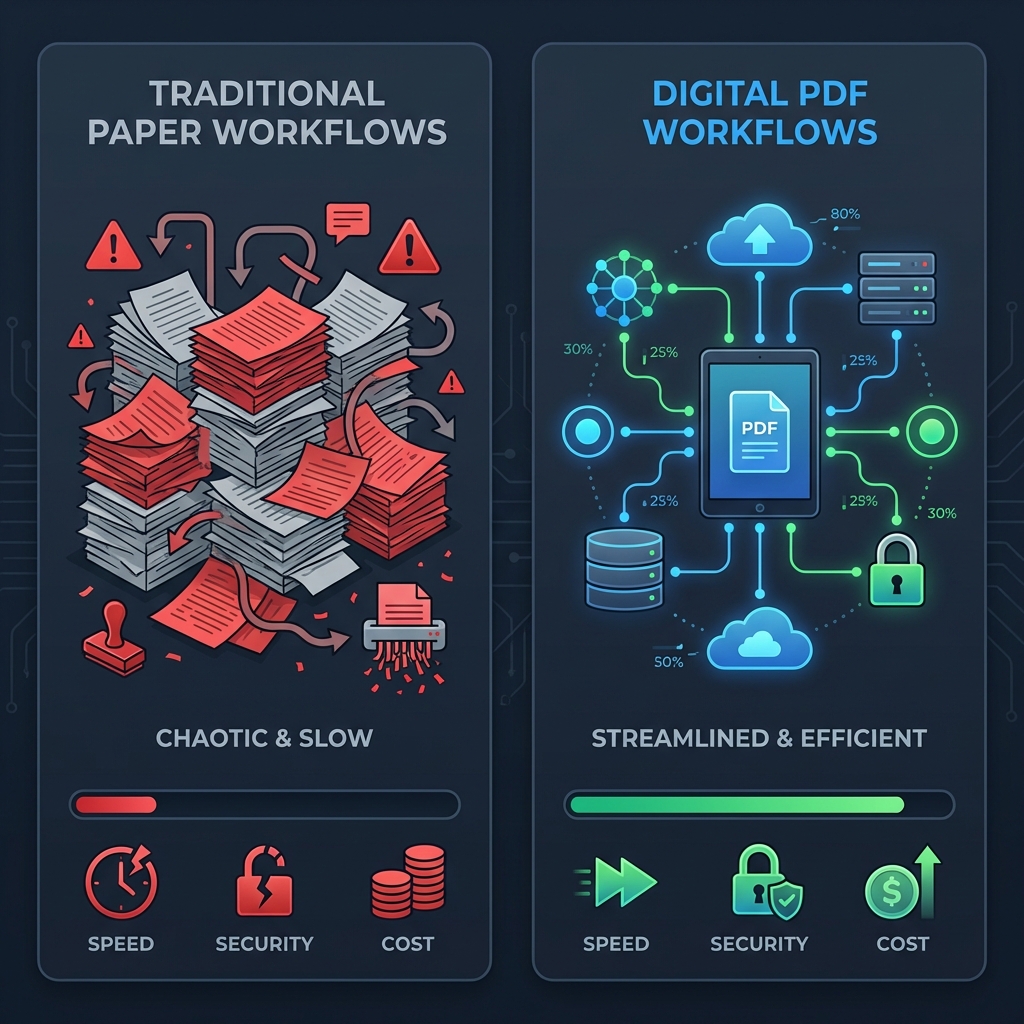
When you send a Microsoft Word document (.docx) to a colleague, the layout depends on their system's installed fonts, printer drivers, and screen resolution. A resume that looks perfect on your MacBook might look like garbage on a recruiter's Windows 11 PC.
PDFs, however, are container formats. They encapsulate:
- Fonts: The exact typography is embedded.
- Vector Graphics: Logos and lines remain crisp at any zoom level.
- Layout Coordinates: Every element has a fixed X/Y position.
This "what you see is what you get" philosophy is why legal contracts, academic papers, and print-ready designs rely exclusively on PDF.
Chapter 1: The PDF Standard - Why It Still Rules
Format Showdown: PDF vs. The World
To understand why PDF dominates, let's look at the alternatives.
| Feature | PDF (.pdf) | Word (.docx) | Google Docs |
|---|---|---|---|
| Consistency | Perfect (100% fixed) | Variable (Depends on OS/Fonts) | High (Browser dependent) |
| Editability | Low (Requires specialized tools) | High (Native) | High (Native) |
| Security | High (Encryption, Redaction) | Medium (Password only) | Medium (Access Control) |
| File Size | Optimized | Can be bloated | Cloud-based |
| Best For | Contracts, Invoices, Printing | Drafting, Collaboration | Live Collaboration |
The Modern PDF Workflow
In 2026, we don't just "read" PDFs. We interact with them.
- Layering: We preserve design layers for editing.
- Accessibility: We tag document structures (headers, alt text) for screen readers.
- Metadata: We embed copyright and workflow data invisibly.
Chapter 2: The Security Crisis (And How to Fix It)
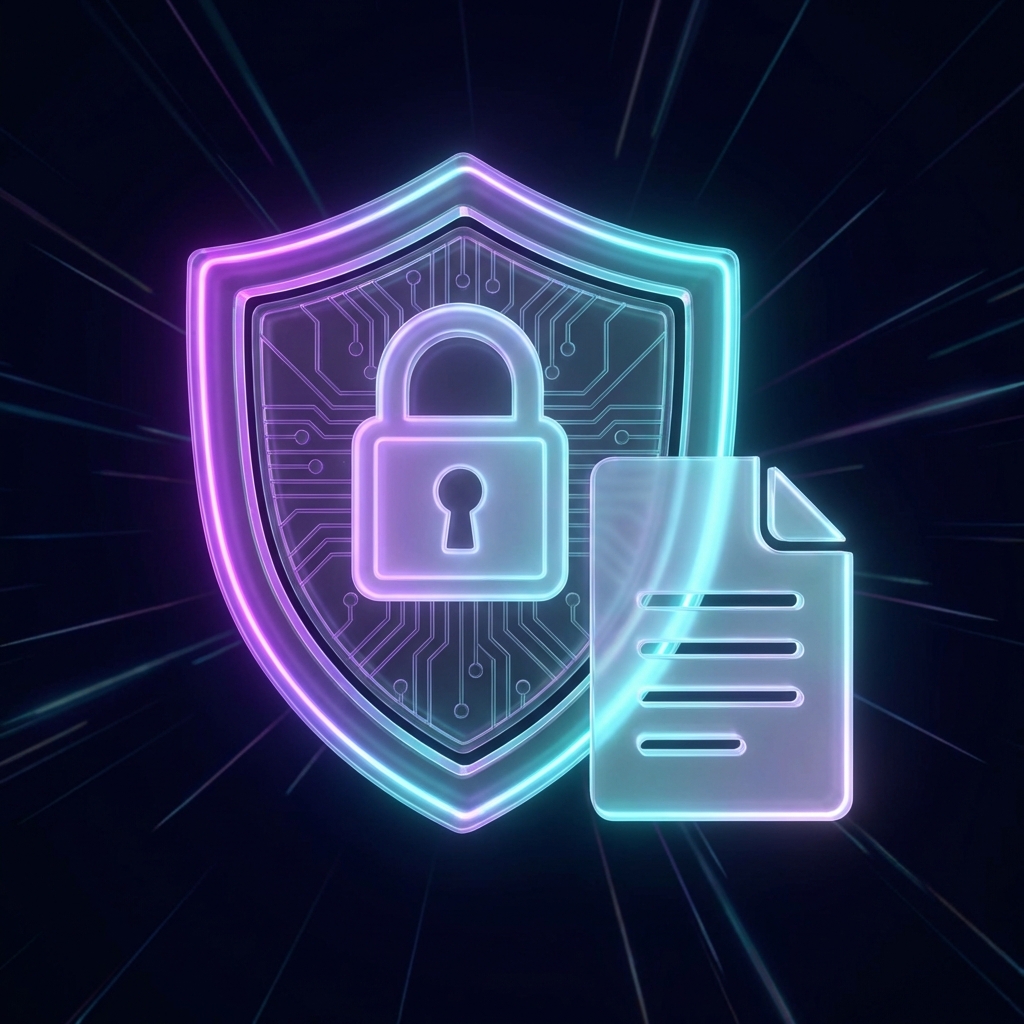
As remote work becomes the default, document security is the number one vector for corporate data leaks. Sending an unprotected payroll spreadsheet or an unredacted legal discovery document via email is negligence.
Level 1: Transport Security
Never send sensitive files over HTTP. Always ensure you are using platforms like Docorio that utilize TLS 1.3 encryption for all data in transit. This prevents "Man-in-the-Middle" attacks where hackers intercept files at public Wi-Fi hotspots.
Level 2: File-Level Encryption (AES-256)
Not all locks are created equal. Here is how modern encryption stacks up:
| Algorithm | Security Level | Time to Crack (Brute Force) | Recommended? |
|---|---|---|---|
| None (Text) | Zero | Instant | ❌ Never |
| Basic Password | Low | Minutes to Hours | ⚠️ Only for low risk |
| AES-128 | High | Billions of Years | ✅ Standard |
| AES-256 | Military Grade | Longer than Universe Age | 🏆 Docorio Standard |
| Transit security isn't enough. If the recipient's email is hacked, your file is exposed. You need Encryption at Rest. | |||
| Using our Protect PDF tool, you can wrap your document in AES-256 encryption. |
What is AES-256? It stands for Advanced Encryption Standard (256-bit). It is the same standard used by the NSA for Top Secret information. A brute-force attack (guessing the password) on an AES-256 key would take a supercomputer billions of years.
Best Practice:
- Encrypt the file with a generated password (e.g.,
Tr0ub4dour&3). - Send the file via Email.
- Send the password via a separate channel (like Signal, WhatsApp, or SMS).
Level 3: Redaction vs. Masking
A common mistake is drawing a black rectangle over sensitive text in an editor. This is NOT redaction. The text is still there, just underneath the box. Anyone can move the box or copy-paste the text.
True Redaction (available in our Redact Tool) creates a new file where the pixels in the selected area are burned to black and the underlying text code is physically removed from the file structure.
Chapter 3: Optimization and Compression Algorithms
"File Size Too Large."
This error message is the bane of productivity. High-resolution scans and uncompressed images can easily balloon a 10-page contract to 50MB.
How Compression Works
When you use the Compress PDF tool, we aren't just lowering quality. We are performing smart operations:
- Deduplication: If a logo appears on every page, we save it once and reference it 50 times, rather than saving 50 copies.
- Subset Font Embedding: If you only use 20% of the characters in the "Arial" font file, we strip out the unused 80% to save space.
- Downsampling: We analyze images. If a 4000x4000 pixel image is displayed in a 200x200 box, we resize the actual data to match the display size.
The Result: A file that looks identical to the human eye but is 80-90% smaller in bytes.
Chapter 4: The Paperless Paradigm - OCR and Intelligence
Optical Character Recognition (OCR) is the bridge between the physical and digital worlds. It turns "pictures of words" into "actual words."
The Tesseract Engine and Beyond
Modern OCR goes beyond character matching. It uses Machine Learning to understand context.
- It knows that a string of numbers formatted like
000-00-0000is likely a Social Security Number. - It recognizes layout structures like tables and columns.
Workflow Strategy: Stop manually typing out data from invoices.
- Take a photo with your phone.
- Upload to the Scanner Tool.
- Extract the text directly into Excel or a database.
This reduces human error rates from ~3% (manual entry) to <0.1% (AI extraction).
Chapter 5: Legal Binding - The Truth About eSignatures
Which Signature Do You Need?
| Type | Security Level | Legal Validity | Best Use Case |
|---|---|---|---|
| Simple (SES) | Basic | High (for commercial use) | NDAs, Offer Letters, Rentals |
| Advanced (AES) | Medium | Very High | Banking, Large Transactions |
| Qualified (QES) | Military/Gov | Absolute | Gov IDs, Cross-border Disputes |
One of the persistent myths in business is that a digital signature is "less legal" than a wet-ink signature.
The ESIGN Act & eIDAS
In the US (ESIGN Act) and Europe (eIDAS), an electronic signature is legally equivalent to a handwritten one for the vast majority of commercial agreements.
Types of Signatures:
- Simple Electronic Signature (SES): A typed name or a drawing of a squiggly line. This verifies intent. This is what you get with our free Sign Tool.
- Advanced Electronic Signature (AES): Adds identity verification links.
- Qualified Electronic Signature (QES): Requires hardware tokens and government ID verification.
For NDAs, Sales Contracts, Offer Letters, and Rental Agreements, a standard SES is fully binding. The crucial part is the audit trail—knowing who signed, when (timestamp), and from what IP address.
Chapter 6: Interoperability - Format Conversion
The world runs on Microsoft Office, but the web runs on open standards. You need to move fluidly between them.
Word to PDF:
- Use Case: Sending a final quote to a client.
- Why: To prevent them from accidentally deleting a line item or changing the total price.
- Use Case: Analyzing a bank statement that was sent as a PDF.
- Why: You can't calculate sums in a PDF. Our PDF to Excel tool reconstructs the table rows and columns so you can run formulas immediately.
HTML to PDF:
- Use Case: Archiving a competitor's pricing page or a news article.
- Why: Websites change. A PDF archive is permanent and timestamped.
Chapter 7: Advanced Manipulation Techniques
Power users don't just convert; they restructure.
Merging and Splitting
Imagine you have a signed contract (Page 1), a technical spec sheet (Pages 2-5), and a separate invoice (Page 6).
- Merge: Combine these disparate files into a single "Project_Packet.pdf" for the client.
- Split: If the client asks for just the invoice, extract Page 6 instantly without resaving the original source files.
Flattening and Repairing
Flattening is critical for forms. Once a user fills out a W-9 form, you should Flatten it. This burns the form data into the page canvas, preventing further edits and ensuring that the data prints correctly on even the oldest printers.
Repairing is for when things go wrong. Bit rot, incomplete downloads, or drive corruption can break the PDF header. Our Repair Tool attempts to rebuild the cross-reference table (XREF), often salvaging data that Adobe Reader refuses to open.
The ROI of Digital Transformation
Switching to a digital workflow isn't just cool; it's profitable.
| Cost Factor | Paper Workflow | Digital Workflow (Docorio) | Savings |
|---|---|---|---|
| Time per Doc | 15 mins (Print, Sign, Scan) | 30 seconds (Click, Sign, Send) | 96% Time Saved |
| Storage | $25/sqft (Filing Cabinets) | $0 (Local/Cloud Storage) | 100% Space Saved |
| Security Risk | High (Lost/Stolen Paper) | Low (Encrypted) | Risk Mitigated |
| Environmental | High (Trees, Water, Ink) | Zero | Eco-friendly |
Conclusion: The Future is Decentralized
The tools of 2026 are moving away from heavy desktop software like Adobe Acrobat Pro ($20/month) toward lightweight, browser-based solutions like Docorio (Free).
By leveraging client-side processing technology (WebAssembly), we put the power of a data center on your laptop. Your files stay private, your workflow speeds up, and your wallet stays closed.
Mastering these tools is not just about "computer skills." It's about workflow autonomy. It's about ensuring that administrative friction never slows down your creative or business velocity.
Start optimizing your workflow today. Explore the full suite of tools at Docorio Home.
Found this helpful?
Share this article with your network.