The Cyber Security Guide for Remote Teams in 2026
The perimeter is dead.
In the old world, security meant "keeping bad guys out of the office network." In 2026, with 60% of the global workforce operating remotely or in hybrid models, the concept of a "secure network" is obsolete. The internet is the network.
This guide explores how to secure your most valuable asset—your documents—in a world where your employees are logging in from Starbucks, airports, and home Wi-Fi.
1. The Zero Trust Philosophy
"Never trust, always verify."
Zero Trust isn't a software you buy; it's a mindset. It assumes that a breach has already happened.
- Identity First: Users are verified every time they access a resource, not just once at login.
- Least Privilege: A marketing intern shouldn't have read-access to the company's financial PDFs.
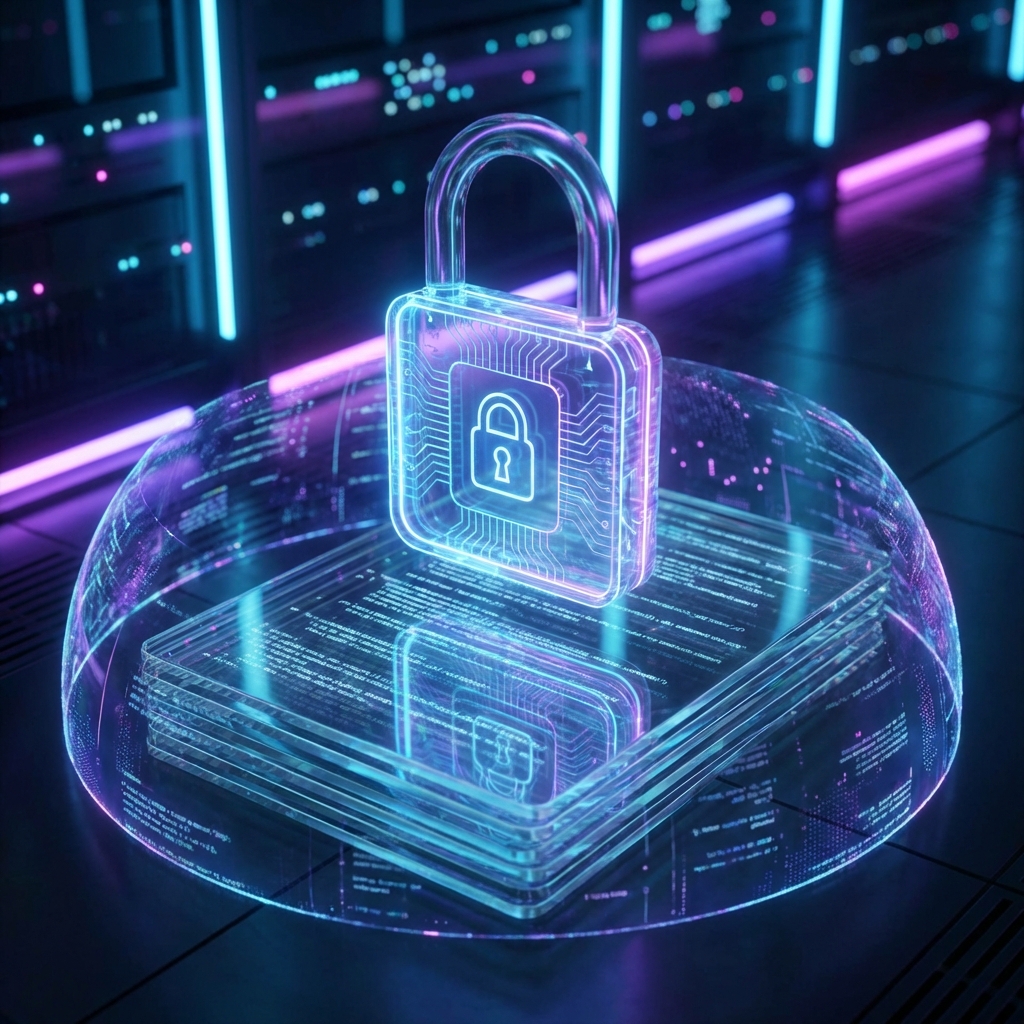
Actionable Step: Use our Protect PDF tool to lock individual files. Even if a hacker gets into your Google Drive, they can't open the tax returns if they are AES-256 encrypted.
2. Document Handling Protocols
The biggest leak isn't a hacker; it's an employee dragging a confidential PDF into a public Slack channel or a random "free converter" site.
The Docorio Protocol:
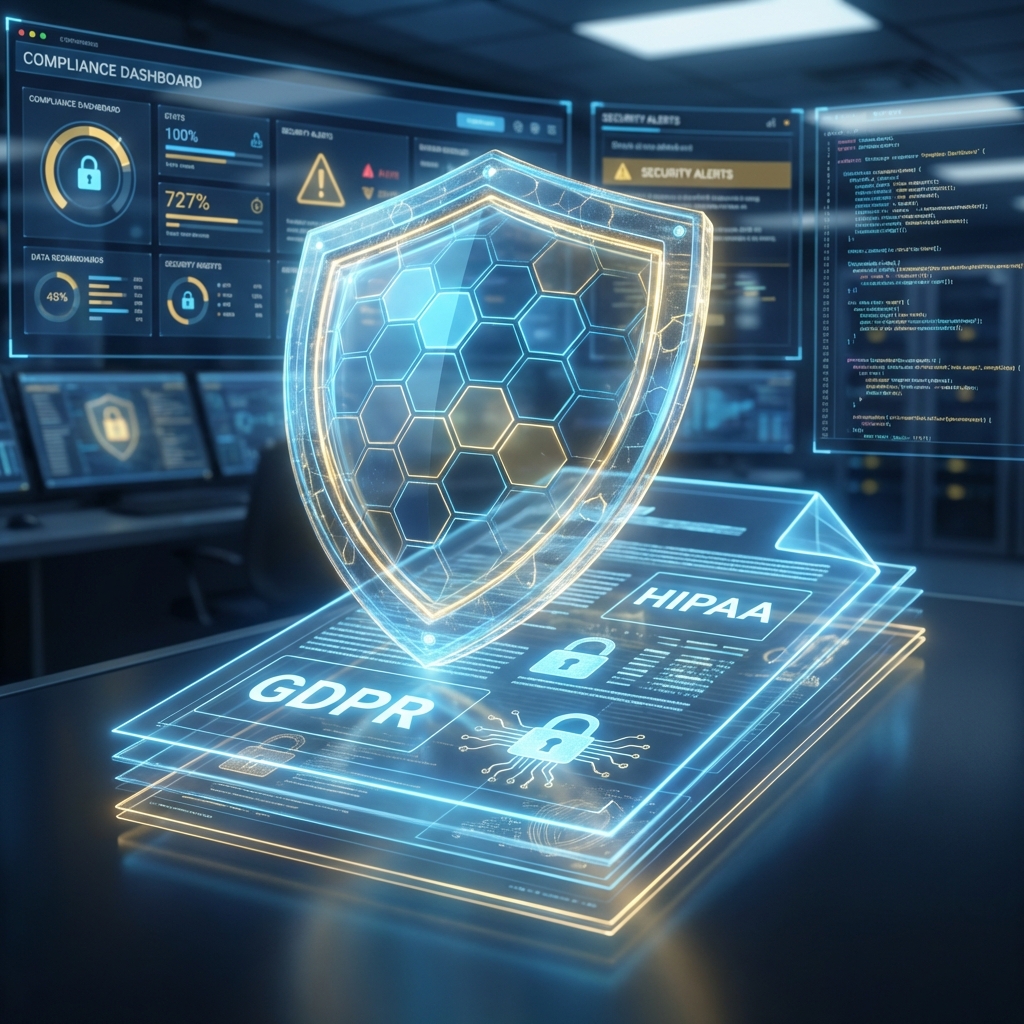
- Local Processing: We process files in the browser. They don't touch a server. This is critical for GDPR and HIPAA compliance.
- Redaction: Before sharing ANY document externally, sensitive data (PII) must be burnt out. Not hidden. Burnt. Use our Redact Tool to ensure data is irretrievable.
3. The Danger of Metadata
Every photo you take and every PDF you create contains invisible data:
- GPS Coordinates: Where the file was created.
- Author Name: Who made it.
- Edit History: Previous versions of the text.
Case Study: In 2024, a major tech leak occurred because a press release PDF contained the "deleted" previous draft in its metadata, revealing a canceled product.
Solution: always "Flatten" or "sanitize" documents before public release.
4. Secure Transfer
Email is not secure. It is the equivalent of sending a postcard. Anyone who touches the mailbag can read it.
Best Practice:
- Encrypt the PDF with a strong password.
- Send the file via Email.
- Send the password via a self-destructing message (like Signal or specialized tools).
Conclusion
Security is inconvenient. It adds steps. But the cost of a breach—avg $4.5 million in 2025—is far higher. adopting tools like Docorio that prioritize local, encrypted processing is the easiest win for your security posture.
Found this helpful?
Share this article with your network.