
Is Online PDF Conversion Safe?
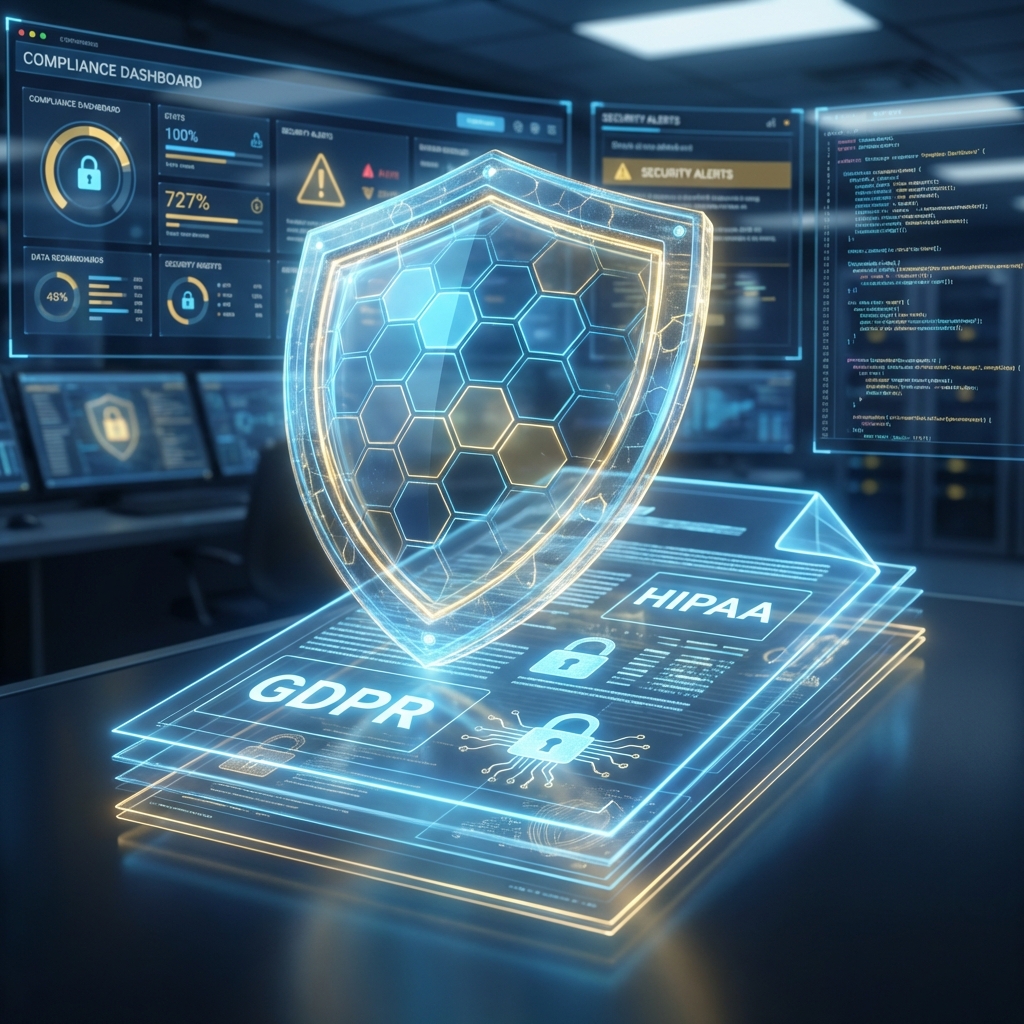
When uploading sensitive contracts, financial statements, or personal ID documents to a website, "Is this safe?" should be your first question.
The Risks of Traditional Converters
Many older online tools upload your file to a remote server, process it, and sit on it for hours (or days) before deletion. This creates a risk window where data could theoretically be accessed.
The Docorio Difference: Client-Side Processing
Docorio represents a new generation of privacy-first tools.
1. Browser-Based Technology
We use advanced technologies like WebAssembly and PDF.js to run complex operations directly on your device.
- When you Merge files, your CPU does the work.
- When you Compress a PDF, it happens in your browser's memory.
2. No Permanent Storage
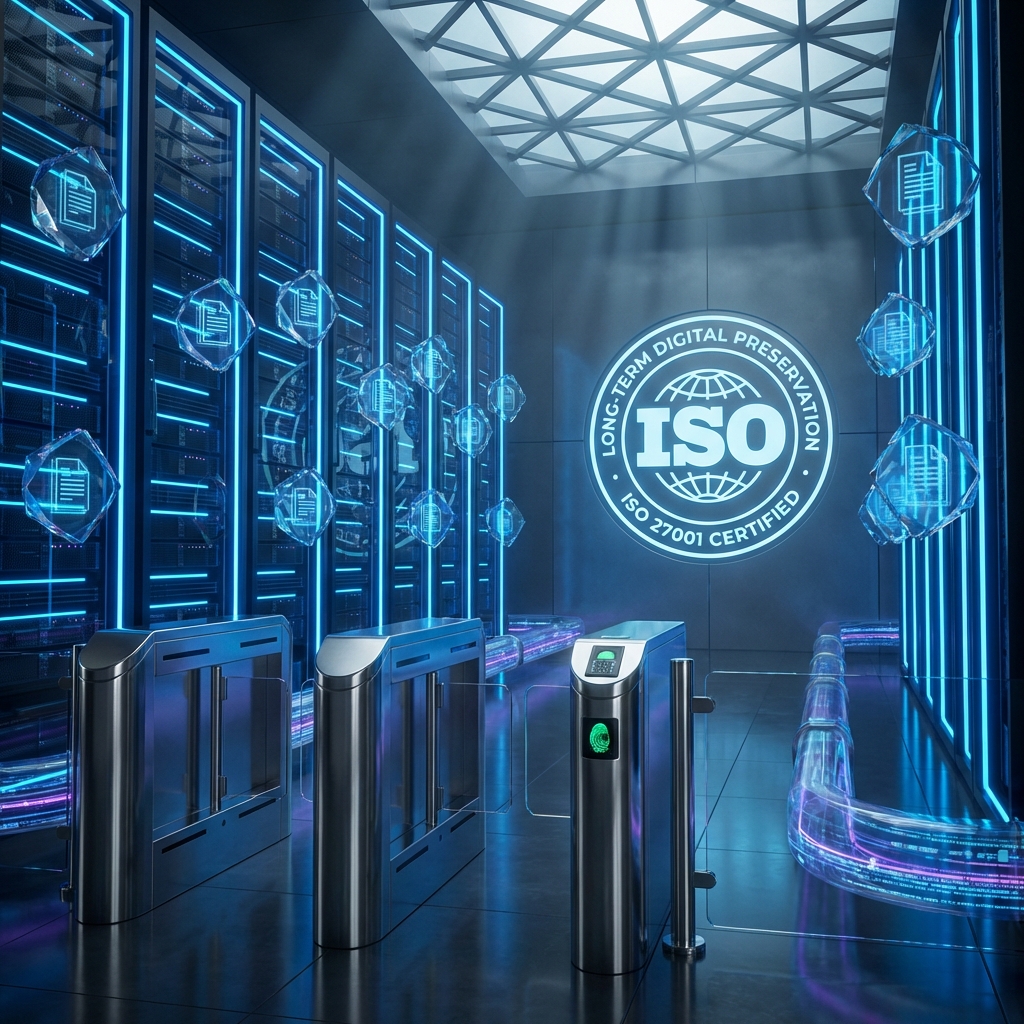
For tools that strictly require server assistance (like converting PDF to Office formats), files are transmitted via 256-bit SSL Encryption (the same standard used by banks). Most importantly, they are automatically deleted immediately after the transaction is complete.
3. No Account Required
We don't ask for your email, phone number, or credit card. We don't track your "usage history" to build a profile on you. You simply come, work, and leave.
Best Practices for Document Security
- Redact Sensitive Info: Before sharing a document, use our Redact Tool to permanently black out social security numbers or addresses.
- Password Protect: Use the Protect Tool to add strong AES encryption to your files.
Your privacy is our business. Trust Docorio for secure, private document management.
Found this helpful?
Share this article with your network.